
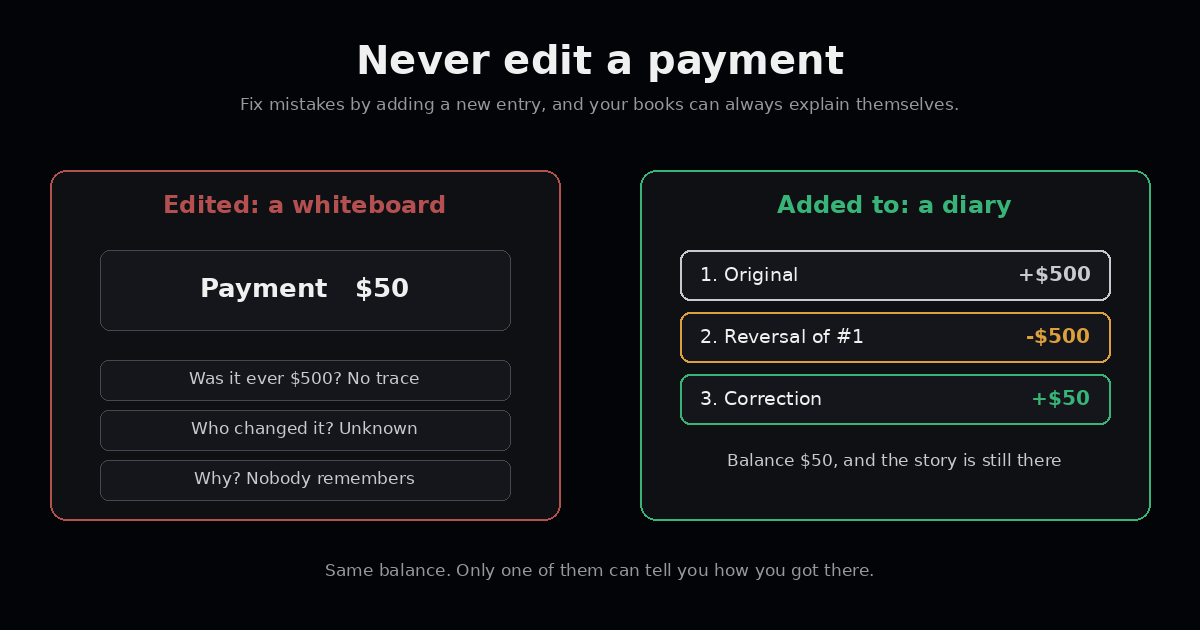
Someone on the team spots a mistake. A payment was recorded as $500 when it was really $50. They open the admin screen, change the number, and save. Problem solved.
Except now there’s a new problem, and nobody knows about it yet.
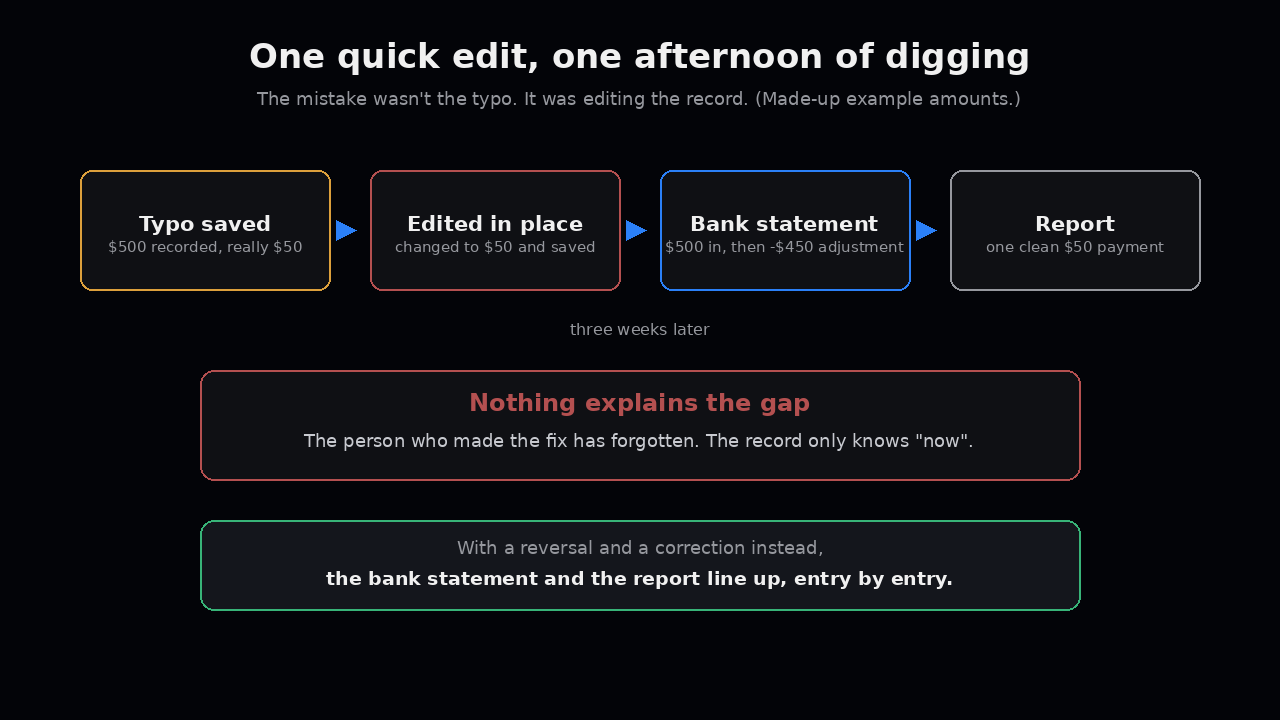
Three weeks later the bank statement shows a $500 deposit that later came back as a $450 adjustment. The report shows one clean $50 payment. Nothing explains the gap. The person who made the fix has forgotten. The afternoon of digging starts.
The mistake wasn’t the typo. The mistake was editing the record.
A payment record is a diary, not a whiteboard
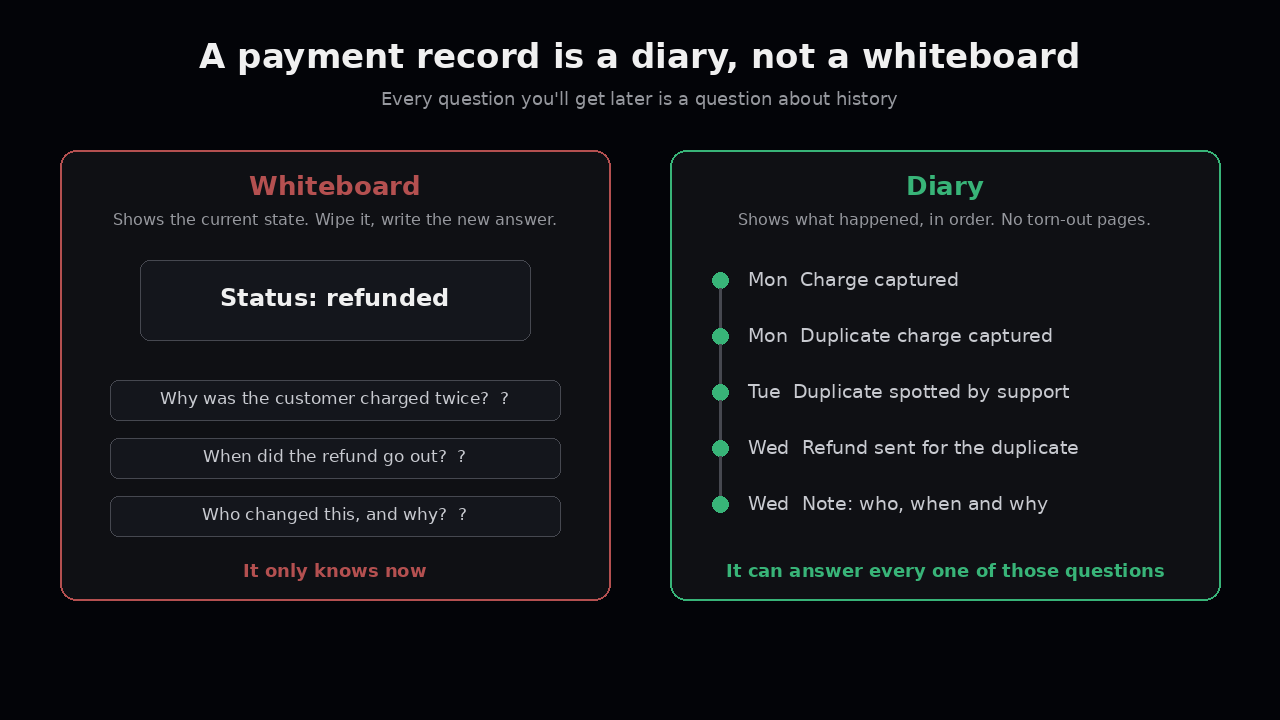
A whiteboard shows you the current state. You wipe it and write the new answer.
A diary shows you what happened, in order. You never tear out a page. If you got something wrong yesterday, you write today: “Yesterday I was wrong, here’s the fix.”
Money needs the diary. Not because accountants are fussy, but because every question you’ll get later is a question about history. Why did the customer get charged twice? When did the refund go out? Who changed this, and why? A whiteboard can’t answer any of those. It only knows now.
Fix it by adding, not changing
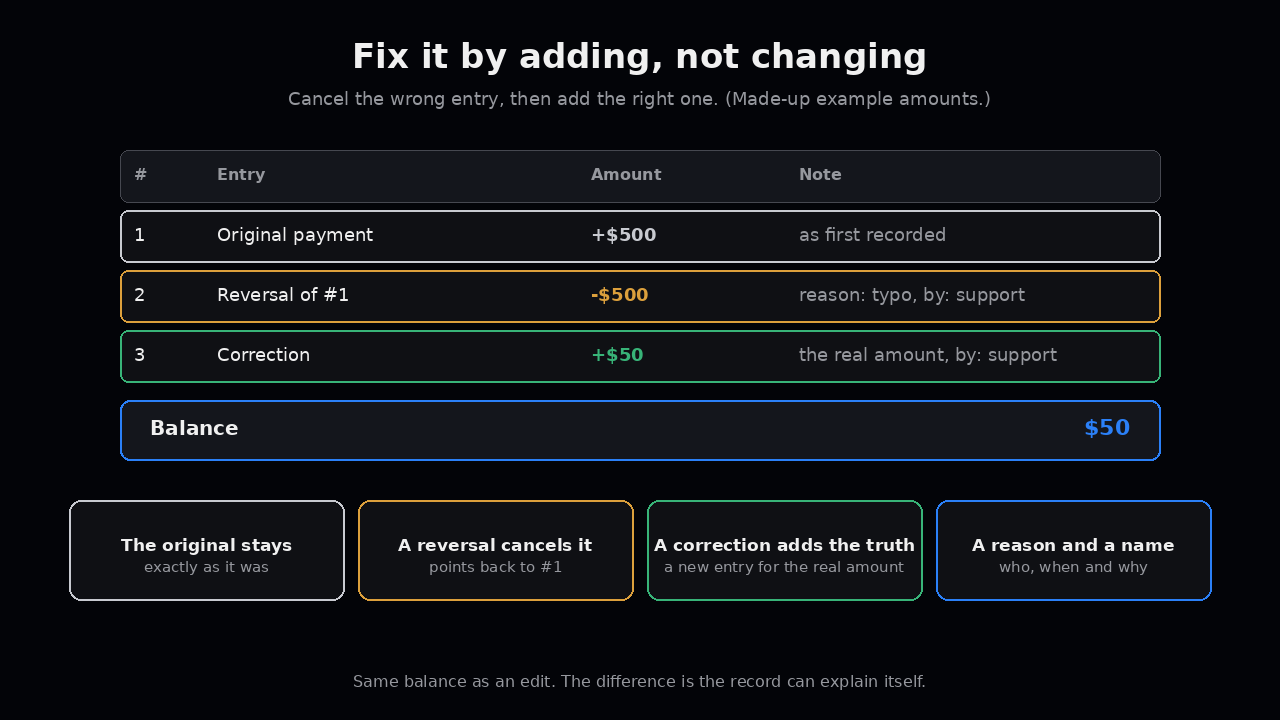
Accountants solved this hundreds of years ago. You don’t erase a wrong entry. You add a new one that cancels it, then add the right one.
In software it looks like this:
- The original stays. The $500 entry is still there, exactly as it was.
- A reversal cancels it. A new entry for minus $500, pointing back to the original.
- A correction says what’s true. A new entry for $50.
- Each one has a reason and a name. Who did it, when, and why, in plain words.
The balance comes out the same as if you’d edited it. The difference is that now the record can explain itself.
Delete is the worst edit
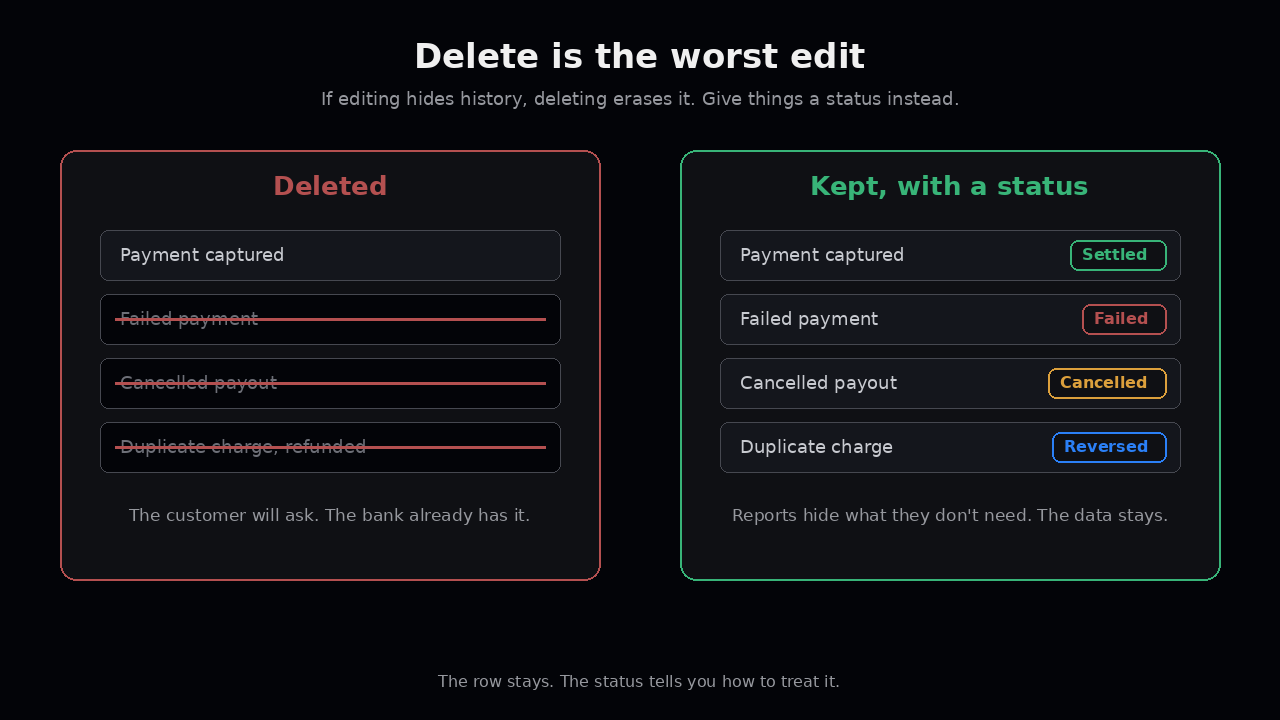
If editing hides history, deleting erases it.
A failed payment is still a record. A cancelled payout is still a record. A duplicate charge that you refunded is very much still a record, because the customer will ask about it, and the bank already has it.
Instead of deleting, give things a status. Failed. Cancelled. Reversed. The row stays. The status tells you how to treat it. Reports can hide what they don’t need, but the data underneath is all there.
Where edits sneak in
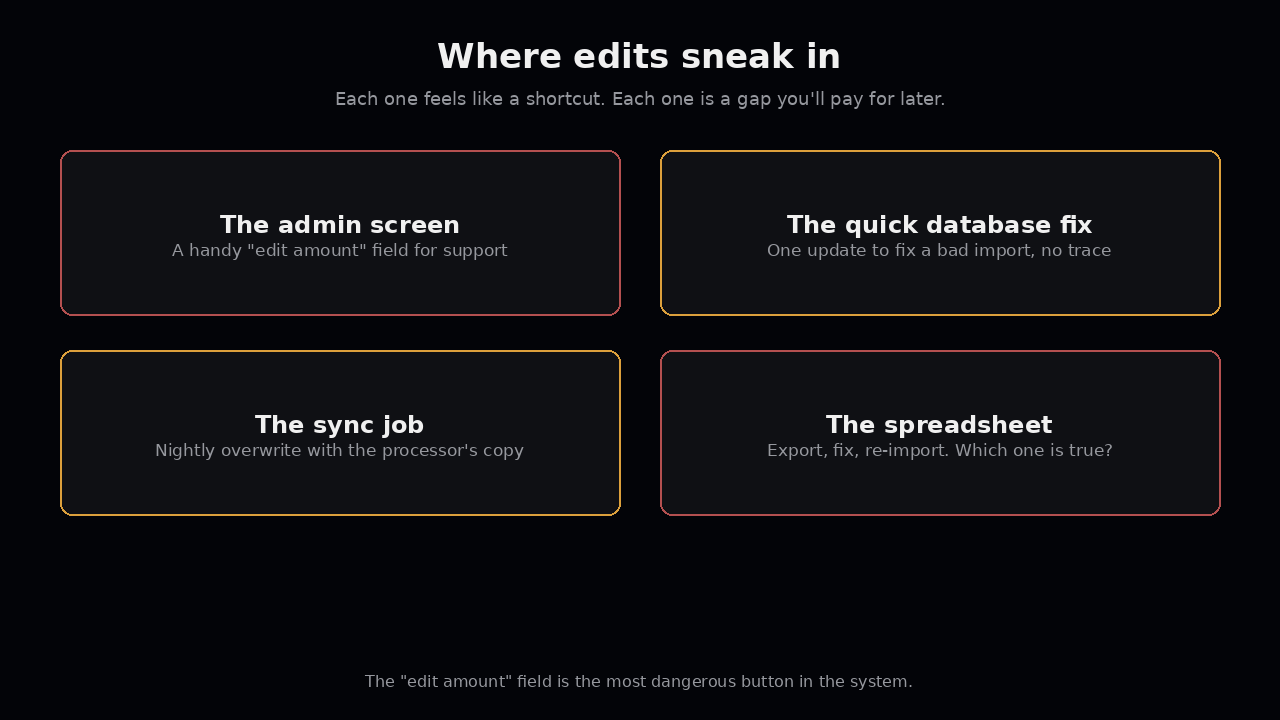
Most teams agree with all of this. Then edits sneak in anyway:
- The admin screen. Someone built a handy “edit amount” field for support. It’s the most dangerous button in the system.
- The quick database fix. An engineer runs one update to fix a bad import. No trace except a message in chat that scrolls away.
- The sync job. A nightly job pulls from the processor and overwrites your copy with theirs. If they changed something, your history changed too, silently.
- The spreadsheet. Finance exports, fixes, and re-imports. Now nobody knows which version is the truth.
Each one feels like a shortcut. Each one is a gap you’ll pay for later.
What to check this week
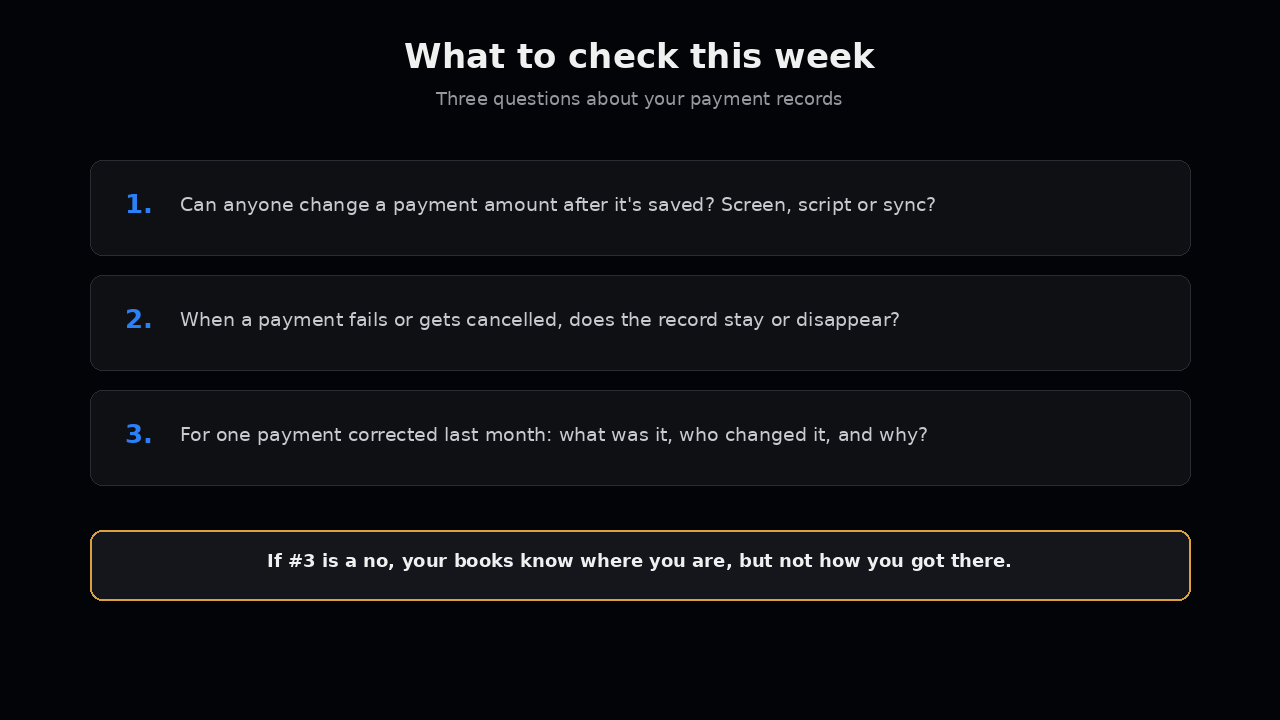
- Can anyone change a payment amount after it’s saved? Through a screen, a script, or a sync?
- When a payment fails or gets cancelled, does the record stay, or does it disappear?
- Pick one payment that was corrected last month. Can you see what it was before, who changed it, and why?
If the answer to the last one is no, your books can tell you where you are, but not how you got there.
Futurify builds the software around your payments: the ledgers, the states, and the paper trail that keep your records able to explain themselves. We don’t hold funds. If you want to talk it through, email us at hello@futurify.io.